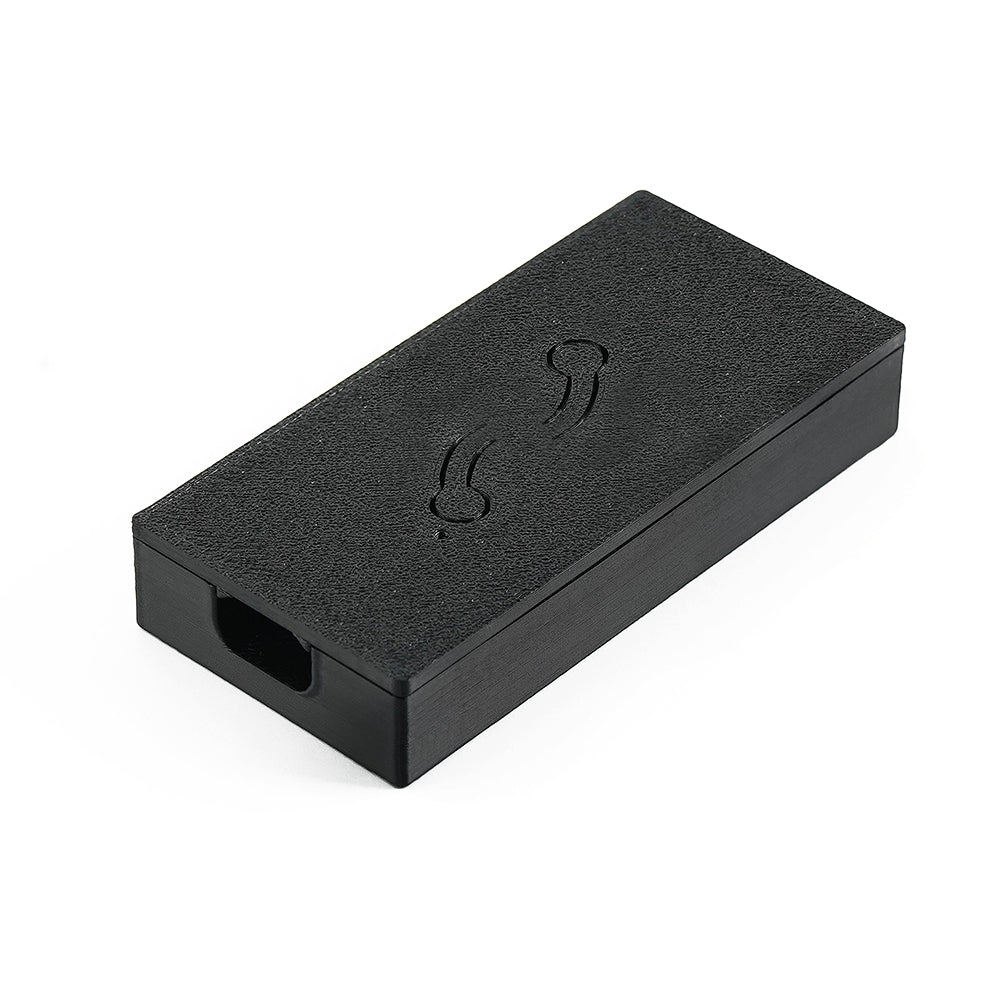
Bitfunx OGX-Mini Open-Source Gamepad Adapter
Bitfunx OGX-Mini Open-Source Gamepad Adapter
Normaler Preis
$16.99 USD
Normaler Preis
Verkaufspreis
$16.99 USD
Versand wird beim Checkout berechnet
FREE delivery
Textblock
Anzahl
Verfügbarkeit für Abholungen konnte nicht geladen werden
OGX-Mini Open-Source Gamepad Adapter
✨ Key Features
✅ Cross-Platform Compatibility: Original Xbox, PS3, Switch (Docked), XInput (PC), PS Classic, DInput
✅ Plug-and-Play: No drivers required; save settings with button combos (persists after power-off)
✅ Open-Source: Built on Raspberry Pi Pico – customize firmware or download community updates
✅ Low Latency: 3-4ms input lag for competitive gaming
✅ Web Config Tool: Remap buttons, adjust deadzones, save 8 profiles via browser (USB/Bluetooth)
✅ DIY/Prebuilt: Works with Pi Pico/Pico W/Pico 2/RP2040-Zero – choose your setup
📝 Product Description
Revive classics & unlock modern gaming! The OGX-Mini is an open-source gamepad adapter powered by Raspberry Pi Pico, bridging retro and modern systems. Use a PS5 DualSense on Original Xbox, or play Switch games with an Xbox Elite controller – endless possibilities!
Core Highlights:
• Multi-Platform: Original Xbox | PS3 | Switch (Docked) | XInput (PC) | PS Classic | DInput
• Universal Controllers (Wired): Original Xbox Duke/S, DualShock 3/4/5, Switch Pro, generic HID
• 1-Click Mode Switch: Hold button combos for 3s to change platforms
• Future-Proof: Active open-source development (rumble, macros coming soon)
🔧 Tech Specs
• MCU: Raspberry Pi Pico (RP2040 Dual-Core Cortex-M0+) • Connectivity: USB-C/Micro USB (board-dependent) • Power: 5V/100mA (low-power standby when idle) • Dimensions: 2" × 0.8" × 0.4" (RP2040-Zero PCB version)
🎮 Perfect For
• Play Halo on Original Xbox with PS5 DualSense • Dominate Super Smash Bros. on Switch with Xbox Elite • Customize deadzones for arcade sticks via web tool
🔗 Compatibility List
Supported Consoles: Retro: Original Xbox, PS3, PS Classic | Modern: Switch (Docked), PC (XInput/DInput)
Supported Controllers: Wired: Original Xbox (Duke/S), Xbox 360/One/Series X/S/Elite, DualShock 3/4/DualSense, Switch Pro, N64 USB adapters, generic HID Wireless: Xbox 360 PC receiver, 8Bitdo v1/v2 (XInput mode)
🔄 Mode Switching Guide
Hold combos for 3 seconds (device reboots automatically): XInput (PC): Start + Dpad Up | Original Xbox: Start + Dpad Right Original Xbox Steel Battalion: Start + Dpad Right + Right Bumper Original Xbox DVD Remote: Start + Dpad Right + Left Bumper Nintendo Switch: Start + Dpad Down | PS3: Start + Dpad Left PS Classic: Start + A (Cross/B for PS/Switch) | Web Config Mode: Start + LB + RB
🌐 Web Configuration Link
https://wiredopposite.github.io/OGX-Mini-WebApp/
❓ FAQ
Q: How to enter Web Config Mode? A: Hold Start + LB + RB, connect to OGX-Mini via USB/Bluetooth in browser. Q: Why won’t my Bluetooth controller pair? A: Use Pico W/ESP32 board; Bluetooth is experimental – check firmware updates. Q: Can I use third-party Xbox 360 controllers? A: Yes, but clones with changing VID/PID may need manual firmware whitelisting. Q: Works with Xbox Series X/S? A: No – adapter emulates controllers for consoles, not reverse. Q: Is firmware open-source? A: Yes (GPLv3)! Contribute: GitHub.com/wiredopposite/OGX-Mini
📦 What’s Included
• Preflashed Raspberry Pi Pico ×1
• USB-C Cable (5ft) ×1
• Quick Start Guide (combo cheat sheet) ×1
• Web Tool Access Card ×1
**Xbox 360 receiver sold separately**